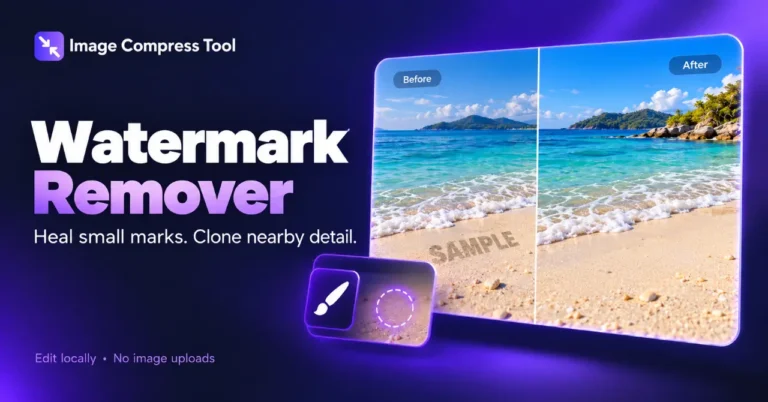
Watermark Remover
Remove small watermarks and unwanted marks with local healing and clone brushes. Zoom in, review the result and download a copy without image uploads.
Your finished image stays in this tab. Choose compression settings, then process it below.
How to remove a watermark from an image
Remove small watermarks and unwanted marks with local healing and clone brushes. Zoom in, review the result and download a copy without image uploads.
- Choose an image or Try a sample. Zoom in and use Pan view to position the area.
- Choose Mark healing area, brush over a small mark, then Heal marked area. For textured areas, Pick clone source and paint with Clone brush.
- Review the repair, undo if needed, then Prepare download as PNG, JPG or WebP.
What to expect
Basic healing estimates pixels from the edge of the selection. It works best on small marks over simple backgrounds; large logos, faces and detailed textures may smear. Clone strokes copy a clean source region. Neither method recovers hidden original detail. Use images you own or have permission to edit.
Are my images uploaded?
No. Healing, cloning and export run in your browser. This tool downloads no AI model.
Can this remove every watermark perfectly?
No. Large or repeated watermarks and complex backgrounds may leave visible repairs. Keep the original and inspect every result.
How does the clone brush work?
Pick a clean source point. The start of each destination stroke samples that point, then copies the surrounding texture as you drag.
Can I undo a repair?
Yes. Undo restores recent image states. Clearing a red selection does not alter image pixels.
How local watermark repair works
See how local healing estimates replacement pixels from the surrounding area, and how cloning copies a clean area over a mark. These edits repair the visible image; they cannot recover the original hidden detail.
Healing selection
The brush creates a pixel mask. Basic healing fills the mask inward from neighbouring pixels, then smooths only the selected region. This is a local estimate, not an AI model or recovery of the hidden original.
Clone stamp
A clone stroke copies pixels from a selected source offset on a frozen image snapshot. Each stroke starts at the selected source point, and Undo restores the image before the stroke.
Limits and export
Repairs are limited to 250,000 selected pixels per healing operation. Zoom changes the preview only. Export flattens the edited pixels into a new file; originals are not overwritten.
Explore the details: Browser encodingImage formats — MDN
More image tools
Compress
Convert
Privacy
Edit
Background Remover
Edit images on your device
CROPCrop Image
Choose a shape or exact crop size
EDITPhoto Editor
Crop, adjust, add text and draw
TURNRotate & Flip Images
Rotate or mirror a photo
MARKWatermark Images
Add a text or logo watermark
HEALWatermark Remover
Repair small marks with healing and cloning
Create
Get more from this tool.
Step-by-step help for the images you are working with.