Crop Image
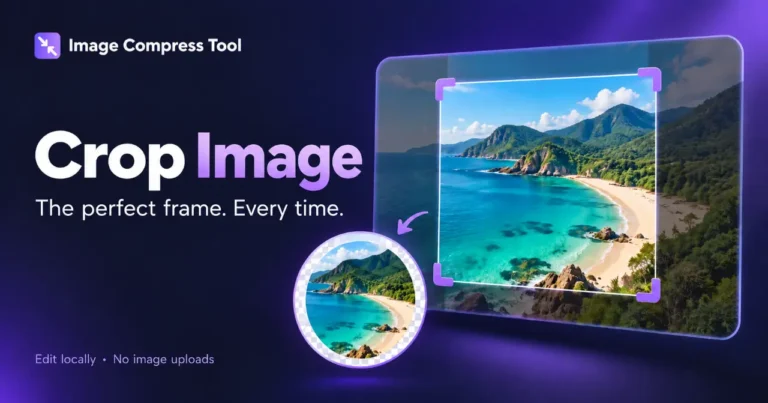
Crop photos to a chosen area, aspect ratio or exact size. Create square and circular crops in your browser without uploading images.
Your finished image stays in this tab. Choose compression settings, then process it below.
How to use Crop Image
Crop photos to a chosen area, aspect ratio or exact size. Create square and circular crops in your browser without uploading images.
- Choose image, or Try a sample to practise.
- Drag across the preview or enter Left, Top, Width and Height in pixels. Choose a ratio or Circle for transparent corners.
- Select Apply crop, check the result, then Prepare download. Use PNG for a transparent circular crop.
What to expect
The crop removes pixels outside your selected area. Exact pixel fields control the retained region; they do not upscale the image. Undo restores the previous result.
Are images uploaded?
No. These tools use local browser processing and have no image-upload endpoint. The site can still use normal hosting logs and its existing Analytics setup.
Which images are supported?
Static JPG, PNG and WebP, up to 20 MB, 8 megapixels and 8,192 pixels per side. Animated images, SVG, HEIC, RAW, PDF and video are not supported.
Can I undo my edits?
Editing tools keep a limited recent history during the session. Use Undo and Redo. Closing or refreshing the page discards unsaved work.
What happens when I download?
Image editors export a new flattened file without overwriting your original. Colour tools let you copy colour values; palette extraction also provides a text download.
How image cropping works
See how a selected rectangle or circle becomes a new image, and how export format controls transparency and encoding.
Source rectangle
The crop copies a selected source region to a new canvas of the same dimensions.
Circular mask
A circular clipping path makes pixels outside the circle transparent. The file still uses a square canvas.
Encoding
PNG and WebP can preserve the transparent corners. JPG fills them with white in this tool.
Explore the details: Browser encodingImage formats — MDN
More image tools
Compress
Convert
Privacy
Edit
Background Remover
Edit images on your device
CROPCrop Image
Choose a shape or exact crop size
EDITPhoto Editor
Crop, adjust, add text and draw
TURNRotate & Flip Images
Rotate or mirror a photo
MARKWatermark Images
Add a text or logo watermark
HEALWatermark Remover
Repair small marks with healing and cloning
Create
Get more from this tool.
Step-by-step help for the images you are working with.