
Image editing & compression guides.
Clearer answers.
Learn how to compress, convert and resize images, remove backgrounds and clean metadata—with practical steps and tools you can use as you go.
Already know what you need? Open the compressor ↗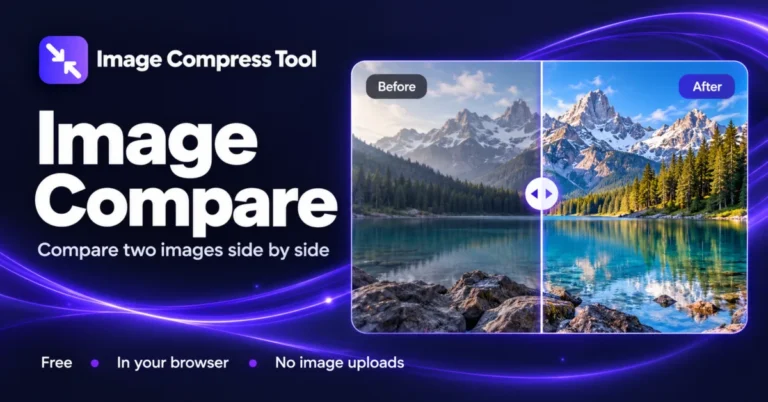
How to Compare Two Images Side by Side
Compare two images online with a before-and-after slider, side-by-side view and shared zoom. See dimensions and file sizes, with no image uploads.
Read the guide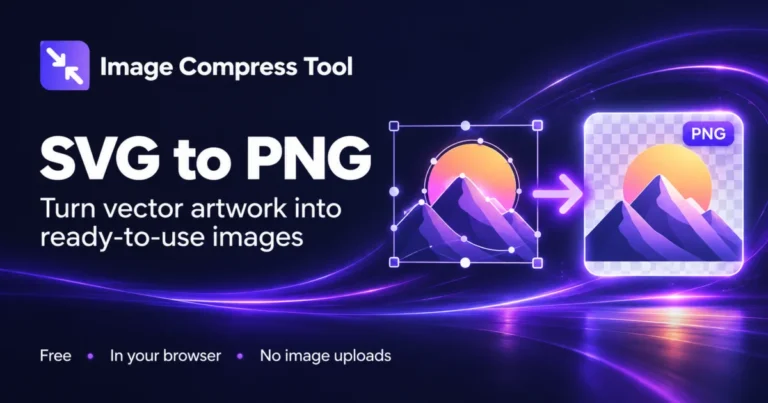
How to Convert SVG to PNG with a Transparent Background
Convert SVG to PNG online with custom dimensions and a transparent or coloured background. Rasterise self-contained vector artwork in your browser.
Read the guide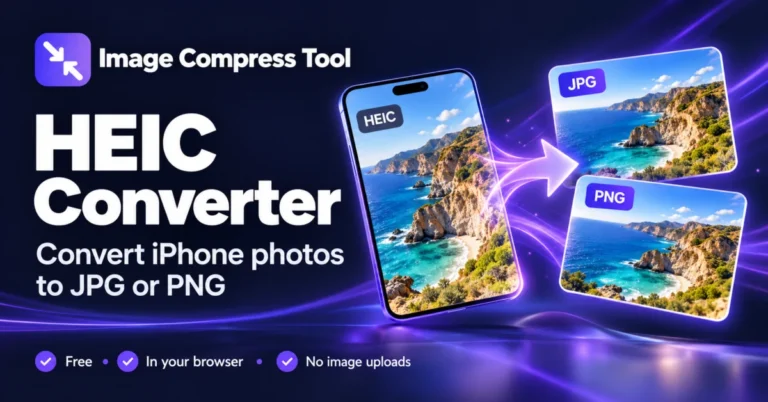
How to Convert HEIC to JPG or PNG
Convert HEIC to JPG or PNG in your browser. Process iPhone photos in batches and download individual images or a ZIP, with no image uploads.
Read the guide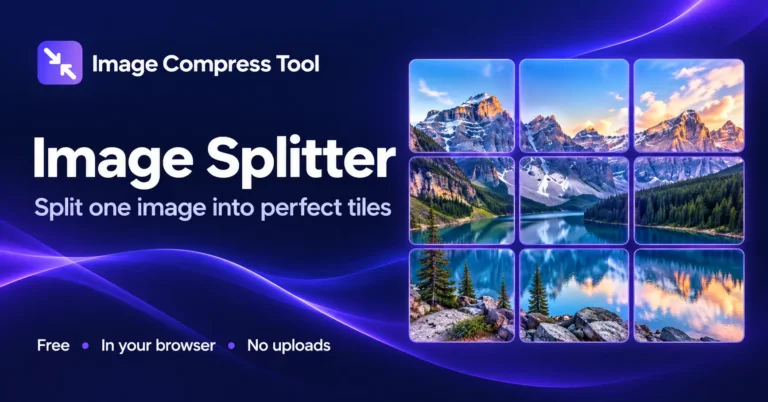
How to Split an Image into Equal Tiles
Learn custom grids and Instagram or Google Play presets, preview cropping, choose tile sizes and download numbered panels.
Read the guide
How to Create a Favicon for Your Website
Turn a logo into a favicon and website icon pack. Learn which files to use, how to add them to your site and how to check the result.
Read the guide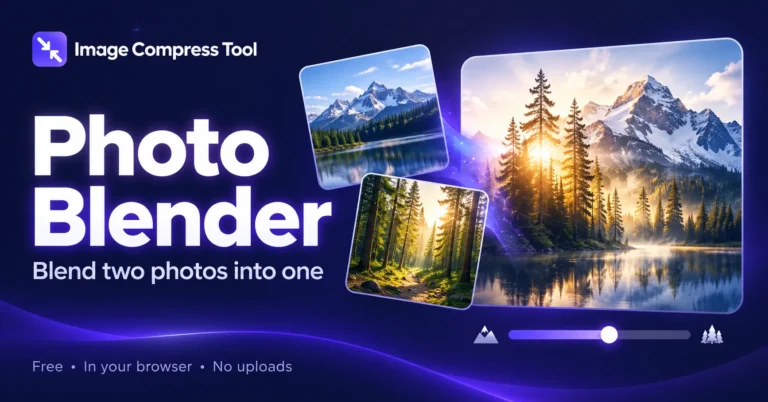
How to Blend Two Photos Together
Blend two photos with opacity, blend modes and gradient fades. Create a double exposure locally and export your finished image.
Read the guide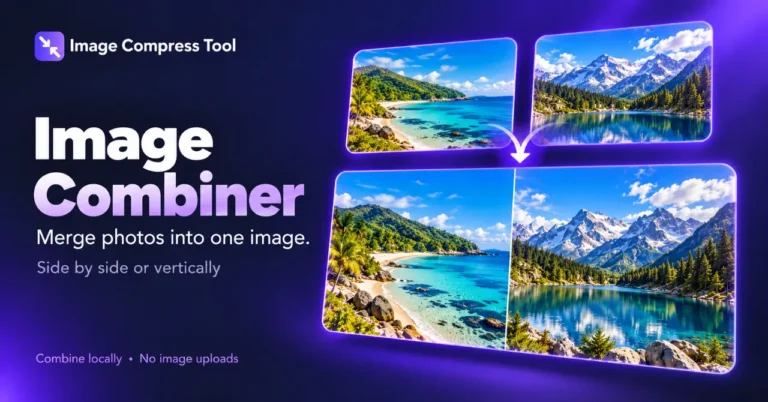
How to Combine Images Side by Side or Vertically
Merge photos into one image with a horizontal or vertical layout, adjustable spacing and a transparent or coloured background.
Read the guide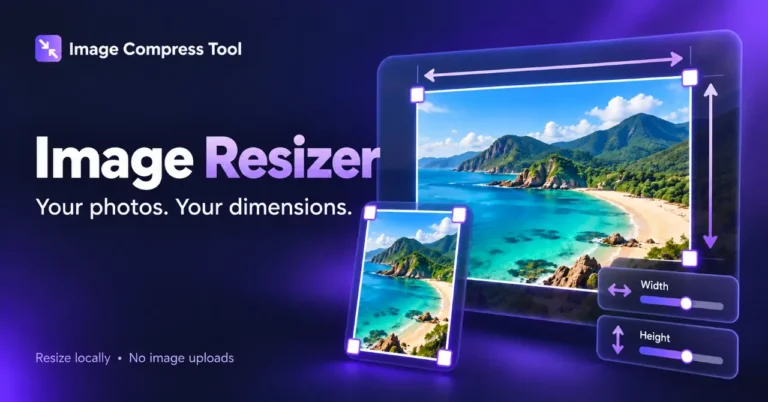
How to Resize Images for Social Media with Exact Dimensions
Choose square, portrait, story and landscape presets, then decide whether to crop or pad your photo.
Read the guide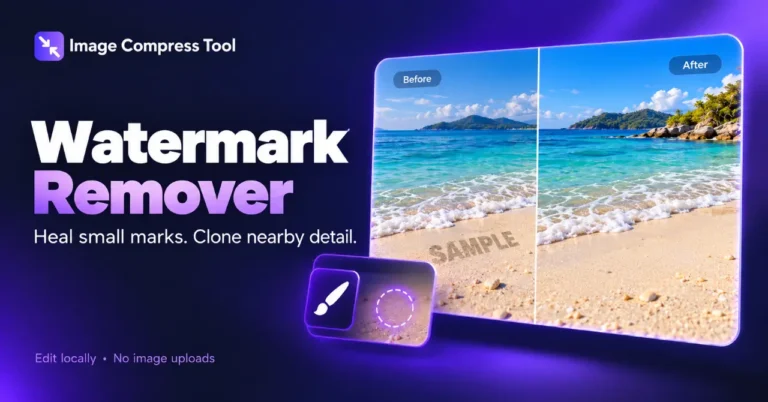
How to Remove a Watermark from an Image with Healing and Cloning
Repair small marks locally with a healing brush or clone stamp. Learn where these methods work and how to check the result.
Read the guidePut what you learn into pixels.
Your images stay on your device.