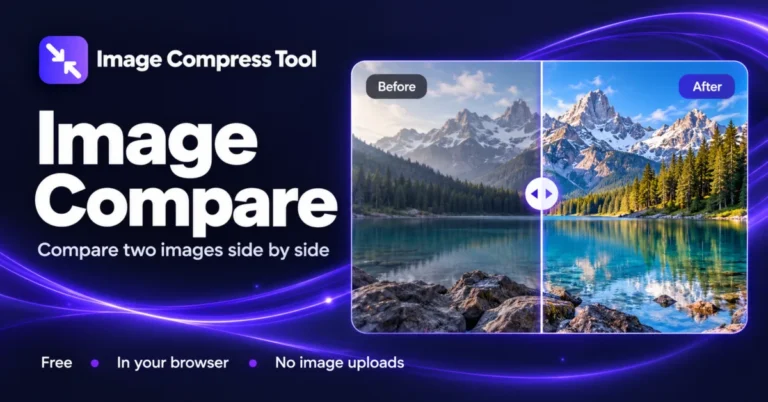
Image Compare
Compare two images online with a before-and-after slider, side-by-side view and shared zoom. See dimensions and file sizes, with no image uploads.
Ready when you are.
Use Image Compare in your browser
Fit two decoded images into equal preview frames to inspect edits or compression visually.
- Choose Image A and Image B in JPG, PNG or WebP format.
- Use the reveal slider or side-by-side mode, then magnify the preview and scroll to inspect the same area.
- Compare dimensions and file sizes. Optionally download a PNG of the comparison view.
What to expect
Each input is limited to 20 MB and 8 megapixels. Images with different dimensions are fitted with padding; the tool does not align subjects automatically. Shared zoom magnifies the preview rather than showing every original pixel.
Are my images uploaded?
No. Image processing takes place on your device. Download your results before leaving the page.
Does this preserve the original?
The original file is unchanged. Downloads are new files and do not copy source metadata.
How Image Compare works
Fit two decoded images into equal preview frames to inspect edits or compression visually.
Decode both files
The browser decodes each selected image locally. The tool reports the source dimensions and file sizes in decimal KB.
Render the comparison
Each image is fitted into an equal frame without stretching. Slider mode clips the right-hand image at the selected reveal position; side-by-side mode draws both frames next to each other.
Zoom and export
Zoom changes the displayed size of the combined preview, so scrolling pans both images together. PNG export saves the current comparison at preview resolution, without copying source metadata.
Explore the details: Browser encodingImage formats — MDN
Related image tools
Background Remover
Remove a plain background or cut out a portrait
CROPCrop Image
Choose a shape or exact crop size
EDITPhoto Editor
Crop, adjust, add text and draw
TURNRotate & Flip Images
Rotate or mirror a photo
MARKWatermark Images
Add a text or logo watermark
HEALWatermark Remover
Repair small marks with healing and cloning
Get more from this tool.
Step-by-step help for the images you are working with.