Colour Palette Extractor
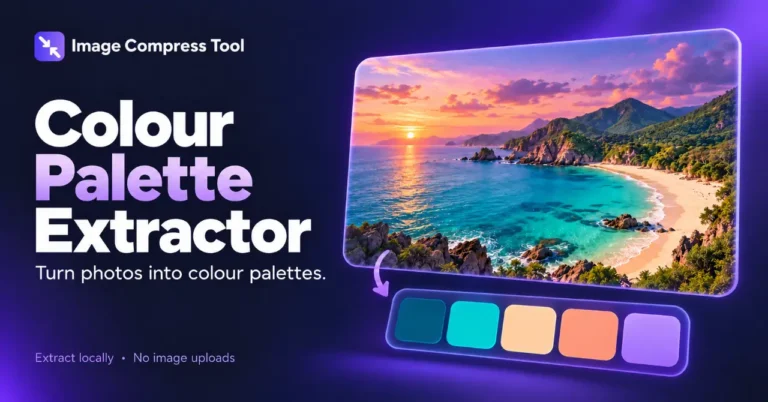
Extract a colour palette from a photo and copy the HEX codes. Find representative image colours in your browser without uploading your photo.
Your finished image stays in this tab. Choose compression settings, then process it below.
How to use Colour Palette Extractor
Extract a colour palette from a photo and copy the HEX codes. Find representative image colours in your browser without uploading your photo.
- Choose an image to extract a starting palette.
- Set Maximum colours and select Extract palette.
- Copy individual HEX values, Copy HEX palette, or Download palette to save a text file.
What to expect
This is a representative palette, not a list of every pixel colour. Images with few colours can return fewer swatches. Transparent pixels are ignored below half opacity. It is not personal colour or cosmetic analysis.
Are images uploaded?
No. These tools use local browser processing and have no image-upload endpoint. The site can still use normal hosting logs and its existing Analytics setup.
Which images are supported?
Static JPG, PNG and WebP, up to 20 MB, 8 megapixels and 8,192 pixels per side. Animated images, SVG, HEIC, RAW, PDF and video are not supported.
Does it upload my photo to identify colours?
No. Pixel sampling and palette extraction happen locally in the browser.
How palette extraction works
See how a smaller local preview is sampled and similar colours are grouped into a representative palette.
Sampling
A small preview, up to 200 pixels per side, keeps palette extraction responsive.
Grouping colours
Channels are grouped into 16-level bins. The most frequent groups provide average colours, with similar swatches skipped.
Using the palette
HEX values are suggestions for design. Check text/background contrast separately; extraction does not guarantee accessible combinations.
Explore the details: Browser encodingImage formats — MDN
More image tools
Compress
Convert
Privacy
Edit
Background Remover
Edit images on your device
CROPCrop Image
Choose a shape or exact crop size
EDITPhoto Editor
Crop, adjust, add text and draw
TURNRotate & Flip Images
Rotate or mirror a photo
MARKWatermark Images
Add a text or logo watermark
HEALWatermark Remover
Repair small marks with healing and cloning
Create
Get more from this tool.
Step-by-step help for the images you are working with.