
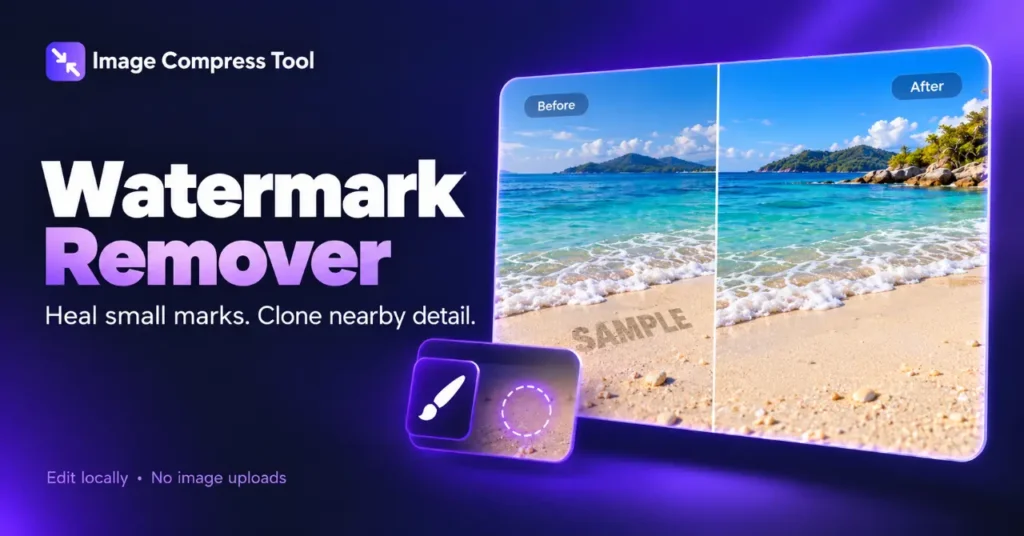
A watermark is part of the image pixels once a file has been flattened. Removing it means estimating or copying replacement pixels, not revealing a hidden original layer. Start with a duplicate of an image you own or have permission to edit.
Heal a small mark
- Choose an image. Zoom in and select Pan view to move around the preview.
- Choose Mark healing area and brush over the unwanted mark. Adjust the brush diameter in image pixels.
- Choose Heal marked area. Check the edges and use Undo if the fill looks smeared.
Healing works best on small marks over simple backgrounds. This basic local algorithm propagates nearby colours into the selection. It cannot reliably recreate lettering, faces or textured objects beneath a large logo. Repair small sections rather than selecting a large area; one healing operation supports up to 250,000 selected pixels.
Use the clone stamp for nearby texture
Choose Pick clone source and click a clean patch with similar colour and texture. Then paint over the mark with Clone brush. Each stroke starts sampling from the selected source point, so pick a new source when the surrounding texture changes. Avoid repeating distinctive features such as stones or leaves.
Inspect and export
View the repaired area at high zoom and again at a normal viewing size. Look for soft patches, repeated patterns and broken edges. Undo a poor repair and try a smaller brush or another source. Choose PNG, JPG or WebP and Prepare download. JPG adds another lossy encoding step; retain your original separately.
Privacy and limitations
The image stays in your browser. This tool uses local pixel operations and does not download an AI model. Closing the page discards unsaved work. A successful export means the file was created, not that the repair is invisible.