
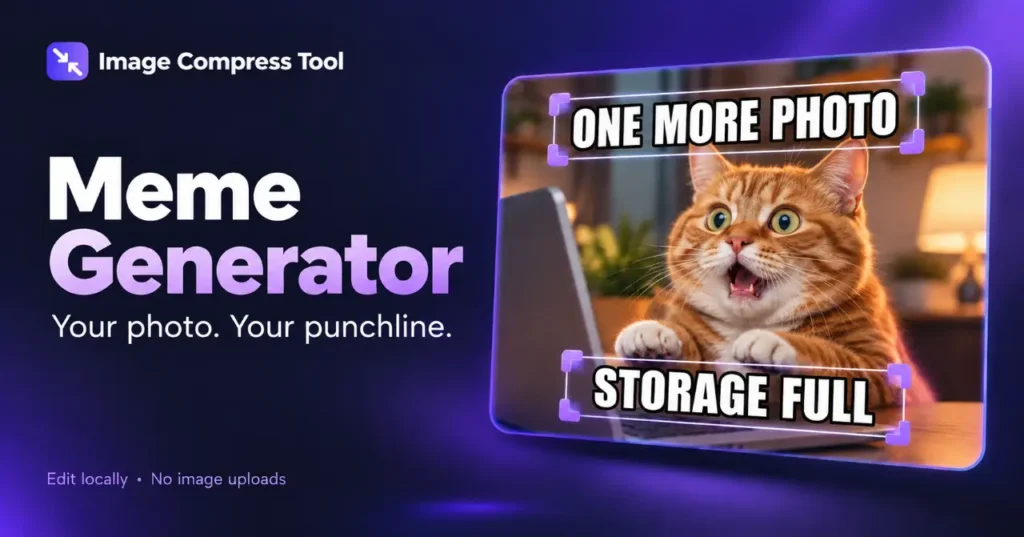
Use the Meme Generator tool
- Choose your photo or Try a sample. Top and bottom text boxes appear automatically.
- Select a caption, edit its wording and style, then Update selected text. Drag it or set X/Y percentages to position it.
- Add more text boxes if needed, then Prepare download and save the finished meme.
To make a meme, start with a picture that sets up the joke, add a short caption and export the result as an image. Your own photo works well: you do not need a famous template or a complicated layout.
Make a meme in five steps
- Choose a photo you have permission to use. A simple composition leaves room for text.
- Crop out distractions before writing captions.
- Add the setup and punchline as separate text boxes, or use one caption above the picture.
- Adjust font size, line breaks and contrast. Keep text inside the canvas with enough space around it.
- Export a copy, view it at phone size and check that the joke is still readable.
How much text should a meme have?
Use only the words needed to establish the joke. A caption that looks comfortable on a large monitor can become tiny in a feed. If a sentence needs several lines, shorten it or give it a dedicated caption band rather than covering the subject.
For example, a photo of an overflowing folder might use “Just one more photo” above the image and “Storage full” below it. The two captions have different jobs: the first sets an expectation and the second delivers the reversal.
Make captions easy to read
White letters with a dark outline can stand out against a mixed background, but an outline alone is not always enough. Try a solid caption band when the picture is busy. Leave a margin around the lettering and avoid placing a punchline over a face.
JPG, PNG or WebP?
PNG is useful for crisp lettering and flat graphics. JPG is often smaller for photographic memes, although strong compression can add noise around text. WebP is another option when the destination accepts it. Export once at the intended dimensions, compare the result, and avoid repeatedly saving a JPG.
How a meme image is made
The editor draws the photo and text onto the same canvas. Font, size, position, outline and line breaks determine how each caption is painted. Export flattens those elements into pixels, so the text usually cannot be edited as a separate layer afterward. Keep an editable version if you expect to change the joke.
Is this the same as an AI meme generator?
No. Adding your own captions to a photo does not generate a new scene or write the joke for you. Image memes, animated memes and video memes are also different workflows; this guide covers still images.