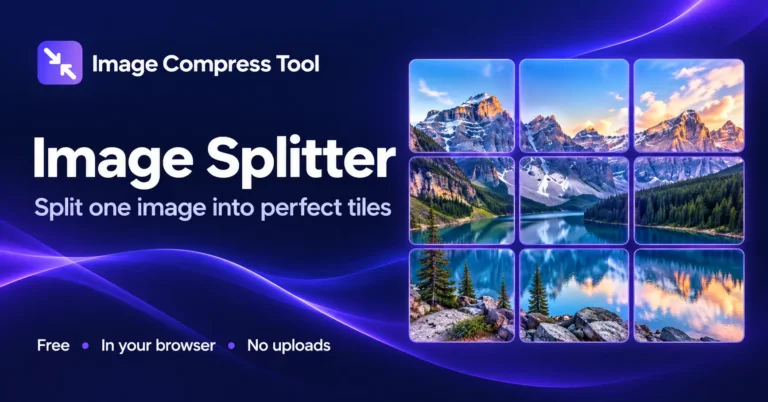
Image Splitter
Split an image into a grid of tiles online. Choose rows and columns, preview the cuts and download JPG, PNG or WebP tiles in a ZIP. No uploads.
Static JPG, PNG or WebP · up to 20 MB and 8 megapixels
Choose an image to begin.
Ready when you are.
Images are processed locally, with no uploads. Download results before leaving this page. Exported images do not copy source metadata.
Image Splitter in your browser
Split an image into a grid of tiles online. Choose rows and columns, preview the cuts and download JPG, PNG or WebP tiles in a ZIP. No uploads.
- Choose a static JPG, PNG or WebP image.
- Choose Custom Grid for 1–10 rows and columns, or select a social layout preset. Check the cropped preview and tile dimensions.
- Choose PNG, JPG or WebP and prepare downloads. Save individual tiles or the complete ZIP.
What to expect
Custom Grid keeps every source pixel and does not resize; uneven divisions can differ by one pixel. Presets centre-crop the full composition and resize it to exact tile dimensions without stretching. Small sources may look soft when enlarged. PNG/WebP can keep transparency; JPG fills it white.
Can I split horizontally or vertically?
Yes. Use one row for a horizontal strip of tiles or one column for a vertical strip.
Are tiles numbered in order?
Yes. Filenames identify the row and column, starting at the top left.
Are all tiles exactly the same size?
Preset tiles have the exact dimensions listed in the controls. Custom Grid tiles are equal only when source dimensions divide evenly; otherwise they differ by at most one pixel.
How image splitter works
Custom Grid divides the original pixel grid. Presets first choose a centred crop that matches the complete layout, then resample the panels to their output dimensions.
Calculate boundaries
Custom Grid rounds boundaries down along the original width and height. Presets calculate boundaries in the output layout and map them back to a centred source crop. Adjacent panels share the same composition.
Export each tile
Custom Grid exports each source rectangle at its original pixel size. Presets resample each mapped rectangle to the listed width and height. Nothing is stretched; image edges outside the centred crop are discarded. Preview grid lines and labels are not exported.
Build a ZIP
Each tile is named with its row and column and packaged locally for downloading. JPG/WebP quality affects encoding, not grid geometry.
Explore the details: Browser encodingImage formats — MDN
Related image tools
Crop Image
Choose a shape or exact crop size
MERGEImage Combiner
Merge photos horizontally or vertically
PXImage Resizer
Resize photos to custom dimensions or preset sizes
JPGJPG Compressor
Compress JPG images in your browser, compare the result and download a batch as a ZIP.
EDITPhoto Editor
Crop, adjust, add text and draw
PNGPNG Compressor
Re-encode PNG images or resize them to reduce file size. Keep transparency, compare results and download a batch.
Get more from this tool.
Step-by-step help for the images you are working with.