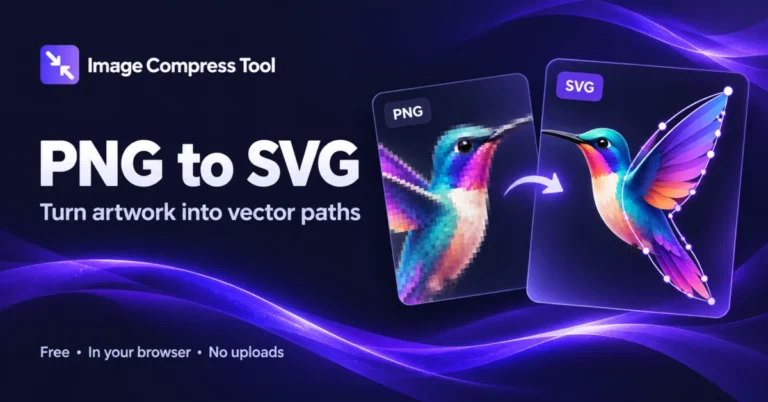
PNG to SVG
Convert PNG to SVG online with adjustable colours and tracing detail. Create vector paths from simple logos and artwork, entirely in your browser.
Ready when you are.
Convert PNG to SVG online
Convert PNG to SVG online with adjustable colours and tracing detail. Create vector paths from simple logos and artwork, entirely in your browser.
- Choose a PNG logo or simple illustration.
- Choose the colour count and tracing detail, then trace your image.
- Inspect the vector preview and download your SVG.
What to expect
Tracing approximates your artwork using coloured paths. It works best with clean, flat graphics. Photos, gradients and small text may lose detail; SVG is not guaranteed to be smaller. Inputs up to 20 MB and 8 megapixels are reduced to a maximum 1024-pixel tracing edge.
Is this real vector conversion?
Yes. The SVG contains traced paths, rather than an embedded PNG. The shapes approximate the source image.
Can I convert a photo to SVG?
Yes, but the result is simplified into colour regions. For realistic photographs, PNG or JPG is usually a better choice.
Does it preserve transparency?
Transparent regions are traced with opacity. Soft edges and partial transparency may change during colour reduction.
Are images uploaded?
No. Decoding and tracing run on your device.
How PNG to SVG conversion works
A raster image becomes a collection of vector paths through local colour reduction and contour tracing.
Decode and resize
The browser decodes PNG into pixels. Large inputs are reduced to a maximum 1024-pixel edge to keep tracing practical on your device.
Group colours
ImageTracer groups similar pixel colours into a palette. Fewer colours usually produce simpler artwork; more colours may preserve more detail and increase SVG size.
Trace shapes
Contours are approximated with line and curve segments. Detail settings control fitting tolerance and removal of small regions.
Write SVG paths
The result is standalone SVG path data with colours and opacity. It does not embed the source PNG or preserve its metadata.
Explore the details: Browser encodingImage formats — MDN
Related image tools
JPG to PNG
Convert JPG to PNG directly in your browser. Keep your dimensions, process a batch and download individual images or a ZIP.
JPG → WebPJPG to WebP
Convert JPG to WebP directly in your browser. Keep your dimensions, process a batch and download individual images or a ZIP.
PNG → JPGPNG to JPG
Convert PNG to JPG directly in your browser. Keep your dimensions, process a batch and download individual images or a ZIP. Transparent areas become white.
PNG → WebPPNG to WebP
Convert PNG to WebP directly in your browser. Keep your dimensions, process a batch and download individual images or a ZIP.
WebP → JPGWebP to JPG
Convert WebP to JPG directly in your browser. Keep your dimensions, process a batch and download individual images or a ZIP. Transparent areas become white.
WebP → PNGWebP to PNG
Convert WebP to PNG directly in your browser. Keep your dimensions, process a batch and download individual images or a ZIP.
Get more from this tool.
Step-by-step help for the images you are working with.