
AVIF to PNG
Convert AVIF to PNG online while preserving existing transparency and pixel dimensions. Free, local browser conversion with a preview and no image uploads.
Your images
Choose a file to begin. Processing stays on your device.
Your result
AVIF to PNG online
Convert AVIF to PNG online while preserving existing transparency and pixel dimensions. Free, local browser conversion with a preview and no image uploads.
- Choose a static AVIF file.
- Convert it locally to PNG.
- Check transparency and dimensions, then download.
What to expect
PNG preserves existing transparency and losslessly encodes the decoded pixels. It does not remove a background or restore lost source detail. PNG files are often larger than AVIF.
Does this remove the background?
No. Transparent source pixels remain transparent, and opaque backgrounds remain opaque. Use Background Remover when you want to remove a background.
Why is the PNG larger?
PNG and AVIF use different compression methods. PNG losslessly stores the decoded pixels and can require far more bytes, particularly for photographs.
Is PNG conversion lossless?
PNG encoding is lossless for the pixels passed to the encoder. AVIF decoding, 8-bit conversion and colour handling can still change the source representation. This is not an archival preservation workflow.
What can I convert?
Static AVIF up to 20 MB, 8 megapixels and 8192 pixels per edge. Animated AVIF is not supported.
How avif to png works
PNG preserves existing transparency and losslessly encodes the decoded pixels. It does not remove a background or restore lost source detail. PNG files are often larger than AVIF.
Read the AVIF container
The tool checks the AVIF container, declared dimensions and static-image brand before decoding. Animated AVIF is rejected. A bundled libavif WebAssembly decoder runs in a worker, producing 8-bit pixels locally.
Draw the decoded pixels
The decoded pixels are drawn to a canvas at their original dimensions. PNG keeps alpha transparency. For JPG the chosen background is painted behind the image because JPEG has no alpha channel.
Encode a new file
The browser canvas encoder creates JPG or PNG bytes. JPG applies the selected quality setting. PNG losslessly encodes the canvas pixels. Neither format conversion restores detail lost earlier.
Know what is not preserved
This pipeline does not copy source metadata, HDR or wide-gamut profiles. The converted file can be larger and colours can differ. Keep the original for archival and colour-critical use.
Explore the details: jSquash AVIF decoder
Related image tools
JPG to PNG
Convert JPG to PNG directly in your browser. Keep your dimensions, process a batch and download individual images or a ZIP.
JPG → WebPJPG to WebP
Convert JPG to WebP directly in your browser. Keep your dimensions, process a batch and download individual images or a ZIP.
PNG → JPGPNG to JPG
Convert PNG to JPG directly in your browser. Keep your dimensions, process a batch and download individual images or a ZIP. Transparent areas become white.
PNG → WebPPNG to WebP
Convert PNG to WebP directly in your browser. Keep your dimensions, process a batch and download individual images or a ZIP.
WebP → JPGWebP to JPG
Convert WebP to JPG directly in your browser. Keep your dimensions, process a batch and download individual images or a ZIP. Transparent areas become white.
WebP → PNGWebP to PNG
Convert WebP to PNG directly in your browser. Keep your dimensions, process a batch and download individual images or a ZIP.
Get more from this tool.
Step-by-step help for the images you are working with.
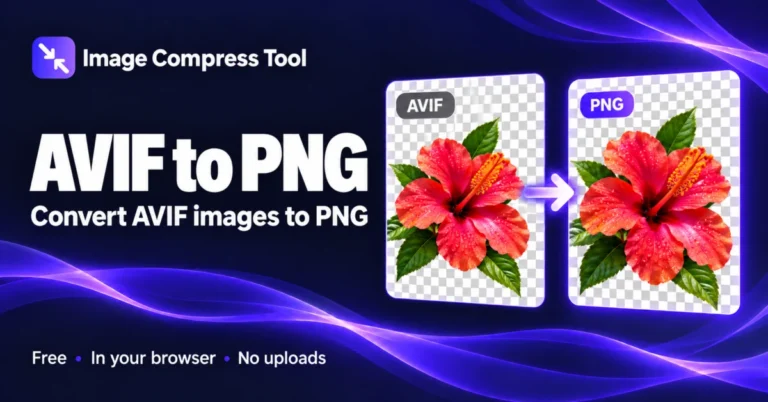
How to Convert AVIF to PNG
Learn how to convert AVIF to PNG, preserve existing transparency and understand why the output can be larger. Convert locally without uploading your image.
Read the guide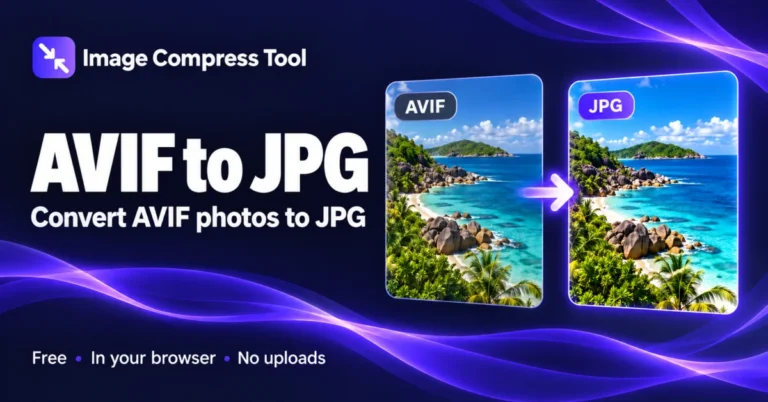
How to Convert AVIF to JPG
Learn how to convert AVIF to JPG, choose quality and handle transparent areas. Keep dimensions and download a compatible photo without uploading the source.
Read the guide